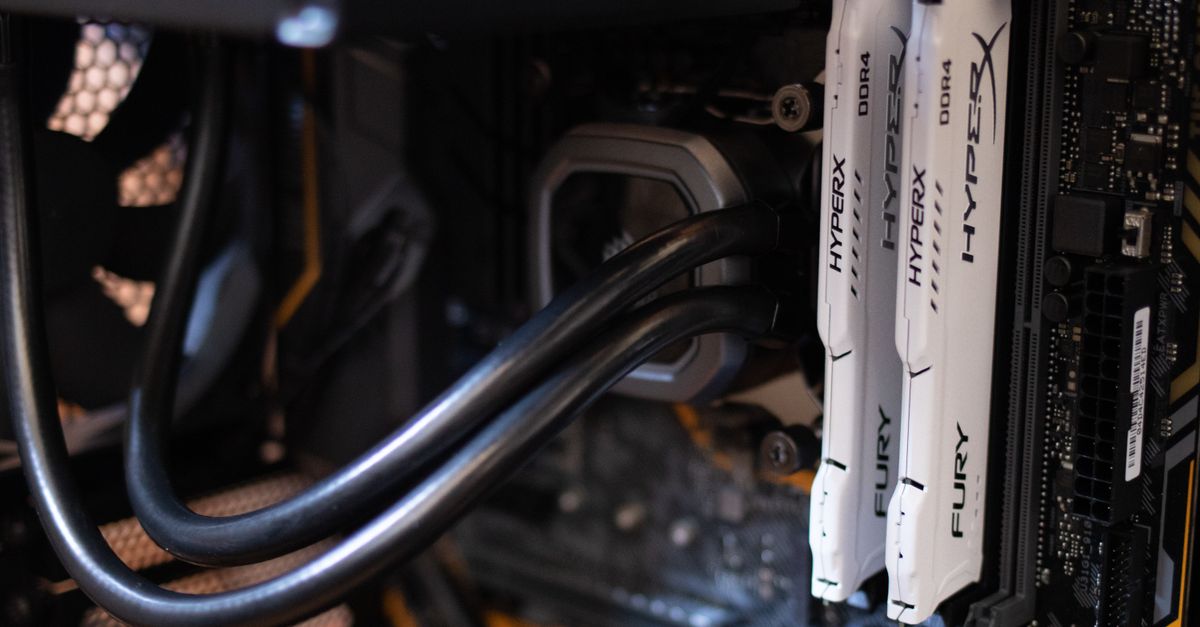
Home Automation with a Raspberry Pi in 2026: Boards, Hubs and Add-Ons Compared
A Raspberry Pi is still the cheapest route to a smart home that answers to you rather than to a cloud server.
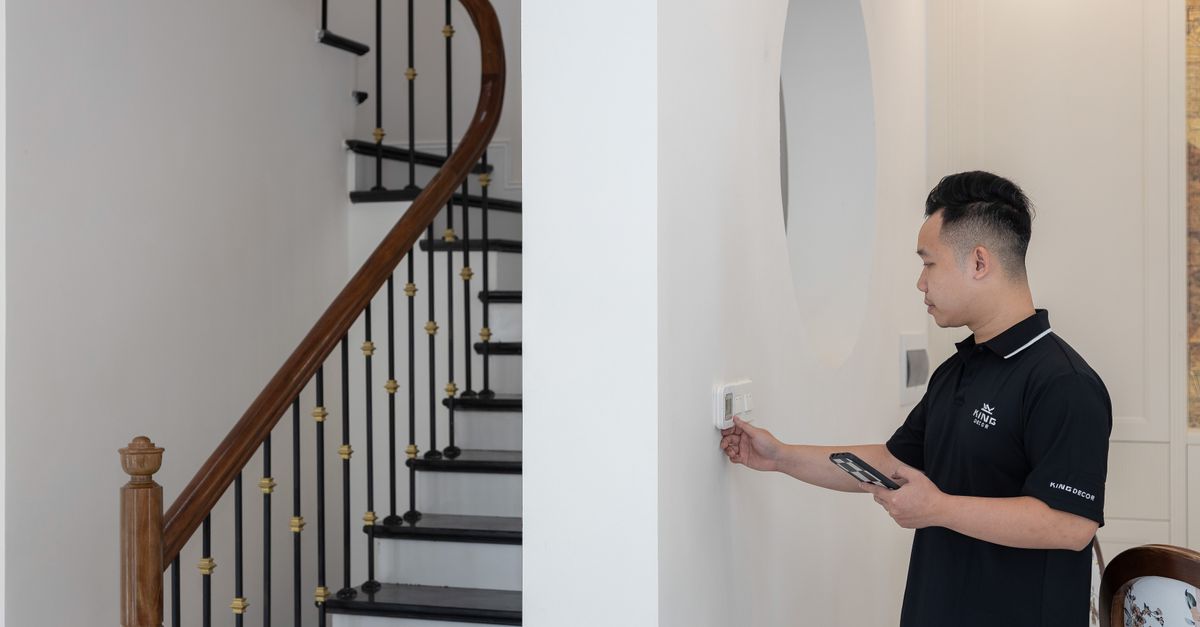
Home Automation with a Raspberry Pi in 2026: Boards, Hubs and Add-Ons Compared
A Raspberry Pi is still the cheapest route to a smart home that answers to you rather than to a cloud server. Running Home Assistant OS, a single Pi can manage Zigbee sensors, Matter-over-Thread bulbs, Z-Wave locks, Wi-Fi plugs and ESPHome nodes side by side, keeps your automations and device history on hardware you own, and charges no monthly fee. That flexibility is exactly why “home automation raspberry pi” remains such a common starting point — and why so many first-time buyers stall at the same question. The bare board is only half the purchase: you also need to settle storage, radios, power and software before anything switches on. This guide works through the realistic UK options for 2026 using manufacturer specifications, named expert and community sources, and hedged street prices.
Affiliate disclosure: some links on this page are affiliate links. If you buy through one, we may earn a small commission at no extra cost to you. It does not change what we recommend, and we do not accept payment for placement in the tables or reviews below — every recommendation is based on manufacturer specifications and published owner feedback.
Quick Picks
| Product | Best for | Typical UK price (approximate) | Why it’s the pick |
|---|---|---|---|
| Raspberry Pi 5 (8GB) | Best overall DIY hub | around £75–£85 (board only) | Quad-core Cortex-A76 at 2.4GHz, PCIe 2.0 for NVMe boot via the M.2 HAT+, runs Home Assistant OS comfortably |
| Home Assistant Green | Best plug-and-play | around £95–£115 | Fanless, Home Assistant preinstalled, no assembly — but no Zigbee or Thread radio on board |
| Home Assistant Yellow | Best all-in-one | around £130–£150 (board only, CM4 extra) | Onboard Zigbee/Thread radio and an M.2 slot, but it runs Compute Module 4 silicon rather than a Pi 5 |
| Raspberry Pi Zero 2 W | Best for distributed sensors | around £15 RRP plus VAT; typically around £18–£22 from resellers | Cheap ESPHome sensor node or Bluetooth proxy — 512MB RAM rules it out as a hub |
| Beelink EQ12 (Intel N100) | Best non-Pi alternative | around £130–£160 | x86 Home Assistant OS support, more storage options, but idles higher than a Pi 5 |
Why a Raspberry Pi Still Beats a Branded Hub
Most mass-market hubs are closed systems. A Philips Hue Bridge manages Hue lighting beautifully and little else; a SmartThings or Amazon Echo hub supports a curated partner list and quietly routes automations through the cloud. A Raspberry Pi running Home Assistant does the opposite — it treats every device as a peer, exposes your data locally, and lets you write automations with full conditional logic rather than a phone-app wizard.
Three practical advantages stand out in 2026:
- Local control. Automations keep running during an internet outage, which matters for lighting, heating and security routines.
- Longevity. Community feedback consistently notes hubs bought five or six years ago still receive updates, while several proprietary bridges have been discontinued and left owners stranded — a point the discontinued-hubs section below illustrates.
- Cost efficiency at scale. The hardware is a one-off cost of roughly £100–£250 depending on specification, and one box can drive hundreds of devices with no subscription.
The trade-off is complexity. Expect to spend an evening installing the operating system and a weekend or two learning the automation editor. If that sounds like a chore rather than a hobby, the pre-built hubs further down are the sensible answer.
How to Choose: Four Decisions That Actually Matter
Board. The processor and RAM decide how much headroom you have for add-ons. A modest Zigbee-and-Wi-Fi setup is undemanding; camera object detection or a local voice assistant is not.
Storage. Home Assistant’s own documentation is blunt that microSD card wear is the leading cause of hub data loss. Booting from an NVMe SSD over PCIe avoids the failure mode entirely, and it is the single most valuable upgrade for anyone planning to run a hub for years.
Radio. Zigbee, Thread and Z-Wave are not built into any Raspberry Pi, so you will need at least one USB dongle for battery-powered sensors and switches.
Software. Home Assistant is the default choice because of its local-first design and its breadth of integrations, but the Zigbee stack you pick matters — see the software section for the ZHA versus Zigbee2MQTT comparison.
The Radio Correction: No Raspberry Pi Has Smart-Home Radios Built In
This is the mistake that burns first-time buyers. A bare Raspberry Pi 5 has zero Zigbee, Thread or Z-Wave radio on board — nothing. Its wireless features are Wi-Fi and Bluetooth only. If you buy a Pi 5, a Zigbee bulb and nothing else, the bulb will sit there unpaired, because there is no radio for Home Assistant to talk to it with. Budget for at least one dongle from the start.
Home Assistant Connect ZBT-1
The Home Assistant project’s own dual-radio stick, covering Zigbee and Thread from a single USB port. It is the neatest choice if you plan to mix Zigbee sensors with Matter-over-Thread devices, because the same dongle handles both and can act as your Thread border router. Best for: anyone building a new hub from scratch who wants one dongle instead of two. Caveat: it occupies a USB port and, like all USB radios, benefits from being kept away from USB 3.0 devices to reduce interference. Verdict: the default Zigbee/Thread pick for a Pi 5 build.
Sonoff ZBDongle-E and ZBDongle-P
Sonoff sells two Zigbee coordinator sticks that differ in the silicon inside them. The ZBDongle-E uses an EFR32MG21 chip, while the ZBDongle-P uses a CC2652P chip. Both work with Home Assistant, and the chip choice matters mainly for firmware ecosystem and how comfortably the stick handles a large Zigbee network. Best for: buyers who want an inexpensive Zigbee-only coordinator. Caveat: neither includes Thread, so a Thread network needs a second radio. Verdict: a solid, widely documented alternative to the ZBT-1.
800-Series Z-Wave USB Stick
Z-Wave sticks built on Silicon Labs’ EFR32ZG23 (800 series) chip are the current generation, and stock in the UK is worth confirming at The Pi Hut before you order. Best for: homes with Z-Wave locks, TRV heating valves or older Z-Wave sensors. Caveat and critical warning: UK and EU Z-Wave runs on 868.42 MHz, while US sticks run on 908 MHz — a US-spec stick is legally unusable in Britain and will not communicate with European devices. Check the region on the listing before paying, as Z-Wave Alliance and Silicon Labs regional documentation both spell out the split. Verdict: buy only if you specifically need Z-Wave, and buy the European frequency band.
Raspberry Pi Boards for Home Automation in 2026
Raspberry Pi 5 (8GB) — the default choice
Manufacturer specifications list a quad-core Arm Cortex-A76 processor running at 2.4GHz, LPDDR4X memory in 4GB, 8GB and 16GB configurations, dual micro-HDMI outputs capable of 4K, two USB 3.0 ports, Gigabit Ethernet, and a single-lane PCIe 2.0 connector delivered on a flexible cable (FPC).
That PCIe connector is the headline feature for home automation. With an M.2 HAT+ or a case that includes one, you boot from an NVMe SSD instead of a microSD card — and that single change removes the most commonly reported cause of long-term hub failure. The 8GB model is the sweet spot: 4GB is adequate for a modest setup of Zigbee sensors and a few dozen automations, while 8GB gives comfortable headroom for add-ons.
One power note that catches people out: the Pi 5 wants a 5V/5A USB-C supply — the official 27W unit — to deliver full power to USB peripherals. A weaker charger may boot the board but leave an SSD, Z-Wave stick or other USB device underpowered or dropping out.
Where to buy: typically around £75–£85 for the 8GB board from The Pi Hut, Pimoroni or Amazon UK.
Verdict: buy this unless you have a specific reason not to — it is the fastest Pi, it has the PCIe path to reliable storage, and it runs Home Assistant OS without complaint.
Choosing Between 4GB, 8GB and 16GB
The 16GB Pi 5 is only justified if you plan to run Frigate for camera NVR and object detection, or a local LLM voice assistant. Both hold large models or video buffers in memory, and both are the kind of add-on that turns a hub into a server. For ordinary smart-home duty — lights, sensors, heating, presence detection — 16GB is money you will never spend, and the price gap over the 8GB board is significant.
Raspberry Pi M.2 HAT+ and NVMe Booting
The M.2 HAT+ is an official Raspberry Pi accessory that mates an NVMe drive to the Pi 5’s PCIe 2.0 lane, enabling NVMe boot. Why it matters: Home Assistant’s own documentation explicitly warns that microSD wear is the leading cause of hub data loss. Cards are not designed for the constant small writes a home automation database produces, and when one fails you lose your configuration, history and device pairings at once. An NVMe SSD is built for that write pattern and is materially faster for database-heavy add-ons.
Where to buy: typically from the same UK resellers that stock the Pi 5. Verdict: if you are building a hub you intend to keep for five years, treat the M.2 HAT+ and a small NVMe drive as part of the base cost, not an optional extra.
Raspberry Pi Zero 2 W — for distributed sensing
The Pi Zero 2 W measures 65mm × 30mm with a Cortex-A53 processor at 1GHz and 512MB RAM. That memory ceiling is the whole story: 512MB is not enough to run Home Assistant OS with a Zigbee database and a handful of add-ons, so this is not a hub candidate.
What it is good at is being a distributed node — an ESPHome sensor node or Bluetooth proxy, sitting in a garage or outbuilding and reporting temperature, presence or Bluetooth device tracking back to your main hub. Its Wi-Fi radio means no cabling.
Where to buy: official RRP is around £15 plus VAT, and UK resellers typically charge around £18–£22. Verdict: buy it to extend coverage, not to run the house.
Raspberry Pi 4 Model B — fine if you own one
The Pi 4 Model B is Compute Module 4-era silicon: perfectly capable of running Home Assistant, but a generation behind on processor and, crucially, without the Pi 5’s PCIe connector. The consensus among owners on r/homeassistant in 2026 is that a Pi 4 is fine if you already own one and poor value to buy new, because Pi 5 street pricing has converged on it. For availability and pricing statements, Raspberry Pi Ltd’s own availability announcements are the reliable source rather than the scarcity headlines that circulate on social media.
Where to buy: the same UK Pi resellers, if you decide a used or remaining-stock board suits you. Verdict: keep the Pi 4, run your hub on it, and put the money towards an SSD instead — or buy a Pi 5 if you are starting fresh.
Pre-Built Hubs: Home Assistant Green and Yellow
Home Assistant Green — plug-and-play
Green is not a Raspberry Pi at all. It runs a Rockchip RK3566 SoC with 4GB RAM and 32GB eMMC storage, and arrives fanless with Home Assistant preinstalled — you plug in Ethernet and power and you are running. Non-obvious detail worth knowing before you buy: Green has no Zigbee or Thread radio, so a ZBT-1 dongle is still required for either protocol. Best for: readers who want a working hub tonight and no assembly. Caveat: no onboard radio and a less powerful processor than a Pi 5. Where to buy: typically around £95–£115 from the Nabu Casa store or Amazon UK. Verdict: the least stressful way into Home Assistant, provided you buy a dongle with it.
Home Assistant Yellow — all-in-one
Yellow runs a Compute Module 4 — not Pi 5 silicon, so it is slower than a current Pi 5 build — but it bundles what you would otherwise buy separately: an onboard Zigbee/Thread radio based on Silicon Labs’ MGM210P, and an M.2 slot for NVMe storage. Best for: buyers who want the radio, storage path and hub in one chassis without hunting for parts. Caveat, and it is an important one: Yellow is sold board-only for around £130–£150, and the Compute Module 4 must be purchased separately — budget for both before ordering. Where to buy: through Home Assistant’s own retail channels and specialist UK resellers. Verdict: the tidiest all-in-one, as long as you factor in the CM4.
Raspberry Pi 5 vs an Intel N100 Mini PC: The Live 2026 Debate
This is the comparison that splits the community right now. Intel N100 mini PCs such as the Beelink EQ12 sell for roughly £130–£160, and x86 Home Assistant OS support is confirmed, so it is a genuine option rather than a compromise.
Power draw, from manufacturer figures: an N100 mini PC idles at roughly 6–8W, while a Pi 5 idles at roughly 3–5W. At Ofgem’s 2026 price cap, the annual idle-cost difference is real but modest, and the arithmetic is simple: take the wattage difference, multiply by your tariff’s pence-per-kWh rate and then by the 8,760 hours in a year. We have deliberately left that as a formula rather than a headline figure, because the cap is revised periodically and a stale unit rate would mislead you — check the current p/kWh rate on your own bill before assuming cheaper idle draw pays back a price difference.
Where each wins. The Pi 5 takes form factor, GPIO pins for direct hardware projects, and the PCIe HAT ecosystem. The mini PC takes storage options (typically more than one drive bay), x86 add-on compatibility for software that never ships an Arm build, and no power-supply sourcing friction — it comes with one that is adequate.
Verdict: if your hub is purely Home Assistant plus radios, the Pi 5 is the better match. If you want to run Frigate, Plex, a file server or x86-only containers alongside it, the N100 box is the more honest fit.
Hubs That No Longer Deserve Your Money
Two cautionary tales explain why local hardware matters. The Insteon hub shut down in April 2022, after Insteon filed for bankruptcy — widely reported by The Verge at the time — leaving owners with hardware that depended on a service that had stopped. The Wink Hub imposed a subscription paywall in 2020 and subsequently degraded, with Wink’s own user communications documenting the changes for existing owners.
The lesson is not that these brands were uniquely bad; it is that any hub whose automations live in someone else’s data centre can change its terms or switch off. A Raspberry Pi running Home Assistant holds your automations locally, so the failure of a device maker does not take your routines with it.
Software Decisions: Zigbee Stack, Thread and Backups
ZHA versus Zigbee2MQTT. ZHA is built into Home Assistant — no extra container, no broker, and the simpler path for a first hub. Zigbee2MQTT requires an MQTT broker add-on alongside it, which is extra moving parts, but it exposes more device options and configuration detail, which is why it is the usual choice for larger or more exotic Zigbee networks. Home Assistant’s own integration documentation sets out the difference; the short version is that ZHA is easier to start and Z2M is easier to fine-tune.
Thread border router role. A Pi 5 paired with a ZBT-1 can act as a Thread border router for Matter-over-Thread devices, bridging them into your local network. This requires Home Assistant 2024.x or later, per the project’s release notes, so keep the operating system updated before you buy Thread hardware.
Backups. Home Assistant’s built-in backup feature is documented and can write to a NAS or a cloud target. The practical gap: a microSD-only setup with backups left at default has no automatic offsite copy, which is the scenario where a card failure wipes everything. Configure a backup destination on day one, not after the first failure.
Frequently Asked Questions
Do I need a Zigbee dongle if all my devices are Wi-Fi or Matter? Not necessarily, but the answer depends on the protocol. Wi-Fi devices talk to your router directly and need no dongle. Matter devices are split: Matter-over-Wi-Fi works without extra hardware, while Matter-over-Thread needs a Thread border router — which a ZBT-1 plus a Pi 5 can provide. If you expect to add battery-powered sensors later, buy the dongle up front rather than re-architecting.
Can I run Home Assistant on a microSD card indefinitely? You can, and plenty of people do, but Home Assistant’s own documentation identifies microSD wear as the leading cause of hub data loss. Cards are not built for the constant small writes an automation database generates. If you stay on microSD, use a high-endurance card and enable regular backups; if you are building from new, an NVMe drive via the M.2 HAT+ removes the risk.
How long does setup realistically take, and what skills do I need? Plan an evening to image the operating system, connect the board and add your first integrations, then a weekend or two to learn the automation editor properly. No coding is required for typical lighting, heating and presence routines — the visual editor handles them — but comfort with copying a command or reading a log helps when an integration misbehaves.
Do I need the official 27W USB-C power supply, or will any charger do? The Pi 5 is specified for 5V/5A, which is what the official 27W supply delivers. Weaker chargers will often boot the board, but they may not deliver full power to USB peripherals, and that shows up as an SSD, dongle or camera dropping out under load. If you are attaching USB storage or radios, the official supply is the cheap insurance.
Can I move an existing Home Assistant setup from a Pi 4 to a Pi 5? Yes, via Home Assistant’s built-in backup and restore. Take a full backup on the old hub, image Home Assistant OS on the new board, restore the backup during onboarding, then move the Zigbee or Z-Wave stick across — the stick carries the device pairings, so you should not need to re-pair sensors. Keeping the dongle in the same USB port or using the same device path reduces surprises.
Roughly how many devices can one Raspberry Pi hub handle? Far more than most homes will ever own — a Pi 5 running Home Assistant can drive hundreds of devices without subscription fees, and the practical limits come from the Zigbee coordinator and network topology rather than the board. Large Zigbee networks benefit from routers (mains-powered devices) spread through the house, and heavier add-ons such as camera detection are the real resource consumers.
Is a Raspberry Pi cheaper to run than an N100 mini PC? On idle power, yes — manufacturer figures put a Pi 5 at roughly 3–5W against roughly 6–8W for a typical N100 mini PC. Over a year at the current Ofgem cap the gap is modest, so treat running cost as a tiebreaker rather than a deciding factor. Choose on capability: GPIO and the PCIe HAT ecosystem for the Pi, x86 add-on compatibility and extra drive bays for the mini PC.
The Bottom Line
For most UK buyers in 2026, the answer is a Raspberry Pi 5 in 8GB, a 27W USB-C supply, an M.2 HAT+ with an NVMe drive, and a Zigbee/Thread dongle — with the Pi 5’s 16GB variant reserved for Frigate or local voice assistants. If assembly is the part you resent, Home Assistant Green at around £95–£115 does the same job with less effort, and a ZBT-1 still needs adding for Zigbee. Whichever route you take, the point of the exercise is the same: your automations live on your hardware, keep working when the internet drops, and do not disappear because a manufacturer changed its business model.