Smart Meter In-Home Display: What It Shows and What to Do When It Stops Working in 2026
What a smart meter in-home display is, what it shows, how to read it, what to do if it goes blank or stops working, and how it helps you keep an eye on…
Smart Meter In-Home Display: What It Shows and What to Do When It Stops Working in 2026
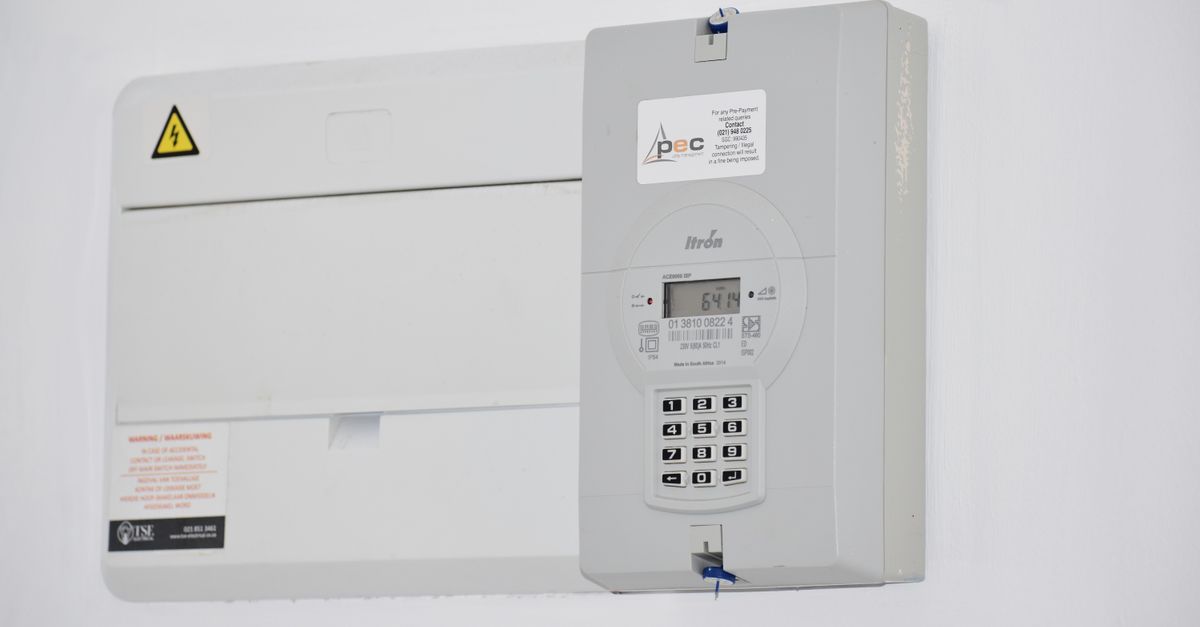
When a smart meter is fitted in a UK home, most households are handed a small screen to keep in the kitchen or the hall. That screen is the in-home display, often shortened to IHD. It is the part of the smart meter set-up you actually look at, and it is also the part that people ask about most when something seems wrong: it is blank, it shows a strange number, or it has been put in a drawer. This guide explains what the display does, what it shows, how to make good use of it, and what to try if it stops working. It is desk research, not hands-on testing. We have not used any particular model, and the facts here come from Smart Energy GB’s own explanation. Displays vary by energy supplier, so check what yours provides.
What an in-home display is
An in-home display is a small screen that shows your energy use in near real time. Smart Energy GB says every smart meter installation includes access to one so that households can see their energy use more easily. The display is paired with the smart meter in your home, which is why it generally will not work if you take it to another property.
What it shows
Smart Energy GB lists the basics that displays are expected to show:
- Energy use in near real time, with the estimated cost in pounds and pence.
- Electricity and gas use in kilowatt hours, the unit your bill uses.
- Past use, so you can compare this period with earlier ones.
- For prepayment customers, information such as the remaining balance, emergency credit and any debt owed to the supplier.
Designs differ between suppliers, and some displays show extra information. All must meet minimum technical standards. If you want to know exactly what yours can show, the booklet or the supplier’s website is the best guide.
Getting something useful from it
The real value of the display is that it makes invisible things visible. A few habits make it worthwhile:
- Find your baseline. Late at night, with everything on standby, look at what the display shows. That is the load your home carries all the time.
- Switch things on and off. Put the kettle on and watch the number move. Then try the oven, the tumble dryer and the shower. You will quickly see which appliances matter.
- Track a routine. Check it at the same times for a few days to see the pattern of your household’s day.
- Share it. Children and housemates are often more willing to switch things off when they can see the effect.
The display shows estimates. Your bill is based on the readings the meter sends your supplier, so treat the display as a guide to behaviour, not as a replacement for your bill.
If it is blank or has stopped working
Start with the simple things. Check that it is plugged in or has charge if it runs on a battery, and look at whether it has a button to wake the screen. If it was switched off or disconnected, Smart Energy GB says it may take up to 24 hours to reconnect and update, so give it time before assuming it is faulty.
Here is the useful reassurance: Smart Energy GB says your smart meter continues to operate even if the display is blank or temporarily unavailable. Your supply and your billing do not depend on the screen.
If the display still does not work, contact your energy supplier. Smart Energy GB says replacement depends on the cause of the fault, and that if the meter was installed within the last twelve months the supplier may replace the display free of charge, though a charge may apply for accidental damage. If it has been lost, some suppliers offer a replacement, and the cost depends on the supplier.
Accessible displays
Smart Energy GB notes that accessible displays are available for some blind or partially sighted customers, with features such as audio, larger text and high-contrast screens. Availability varies by supplier, so ask yours if you need one.
Choosing where to put it
- Somewhere you pass often. A kitchen worktop or a hallway shelf will get far more glances than a spare room.
- Within range of the meter. The display talks to the meter wirelessly, so keep it reasonably close and avoid thick walls where you can. If the signal looks weak, try a different spot.
- Away from heat and water. Do not leave it on a hob, a radiator or the edge of a sink.
Frequently asked questions
Do I have to use the display? It is offered with the installation, but the meter works without it. Use it if it helps you understand your energy use.
Why is the cost on the display different from my bill? The display shows an estimate based on the rates your supplier has set up. Your bill depends on the readings the meter sends and your tariff, so there can be small differences.
Does it need the internet? Smart Energy GB’s page does not say how the display connects. Check your supplier’s guide for your model.
Can I use my display in a new home? Generally not. It is paired with the meter in the property where it was installed.
Who should I ask about a faulty display? Your energy supplier, who can tell you whether a replacement is free in your case.
The short version
An in-home display turns a smart meter into something you can see, and it is the easiest way to learn what your home uses and when. If it goes blank, your meter keeps working, and your supplier is the place to go for a replacement. Check what your own display shows, put it somewhere you pass often and use it to spot the habits that cost money.